
Free vs Paid AI Tools: Is Paying Worth It in 2026?
 SubShave Editorial24 October 2026
Compare free vs paid AI tools using real tasks, limits and total cost. Learn when to upgrade, avoid duplicate subscriptions and review the results.
Free vs paid AI tools is a practical decision about the work you need to finish. A free plan may be enough for occasional help. Paid access becomes worth considering when it removes a repeated limit or provides a specific capability you can use.
Start with one question: what will the upgrade let me do that I cannot reliably do now? If the answer is vague, test the workflow before adding another subscription.
Free vs paid AI: a decision table
| Question | Stay free when | Consider paid when |
|---|---|---|
| How often do you use it? | Occasionally | Repeated useful work justifies the cost |
| Do limits interrupt you? | Rarely | A documented higher allowance solves the interruption |
| Is the output acceptable? | Yes, after reasonable review | A specific capability improves the finished result |
| Are special controls needed? | Your approved use fits the current terms | The selected plan explicitly meets the requirement |
| Will you use the allowance? | Extra capacity would expire | Planned work needs it |
Paying does not guarantee accuracy, unlimited use or stronger privacy. Compare the exact plan, its current limits and its data terms.
What a paid plan can change
Different categories sell different benefits. Chat assistants may offer more usage or tools; media generators often sell credits; team plans may add administrative controls. Check the feature you need rather than treating “Pro” as a universal specification.
For example, Claude's plan comparison lists Free and paid options with different usage and features. Notion's pricing page distinguishes limited AI trial access from broader paid capabilities. Neither example establishes what another provider includes.
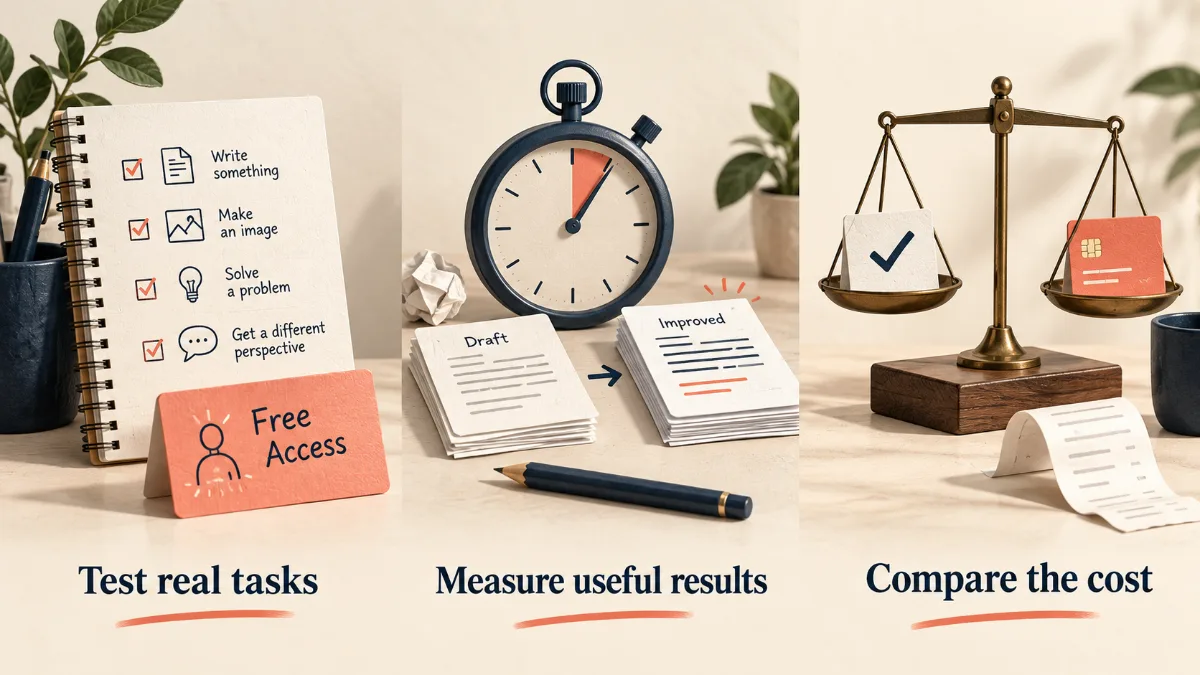
Run a two-week test before upgrading
- Choose one repeated task, such as reviewing a document or preparing an illustration.
- Complete several realistic examples with your existing tools.
- Record preparation, waiting, correction and review time.
- Note each limit you hit and when it resets.
- Identify the exact paid feature that would change the result.
Use ordinary work, not a tiny demonstration that avoids the difficulties of your real project. For writing, include source checking. For code, include tests and review. For images, include the attempts you reject.
Calculate value from accepted work
Consider a hypothetical tool costing $20 a month. If it saves a net 15 minutes on eight tasks, it frees two hours in that month. Decide whether those two hours are worth the cost to you. Time saved is not automatically extra income.
If corrections consume all the time saved during generation, the financial case is weaker. Compare the entire process from preparing input to a result you can actually use.
Also include optional credit purchases, extra seats and tax. An annual monthly equivalent may hide a full-year upfront payment; our annual vs monthly billing guide explains that trade-off.
How the decision differs by task
Writing and research
Test outlines, editing and source handling. Upgrade only when the selected capability improves the final work or removes a meaningful limit. Read original sources before relying on quotations or factual claims.
Images and video
Track the cost per usable asset. Several generations may be needed for one final image or clip, and a large credit allowance is not a guarantee of acceptable output. Check permitted use and export requirements.
Coding
Assess how much time the tool saves on code you can test and maintain. More output can create more review work. A paid assistant does not transfer responsibility for correctness or security.
Voice and audio
Include revisions, pronunciation checks and the relevant usage license. A subscription may cover the tool while the rights to a voice, recording or script still need separate permission.
Privacy is a separate requirement
A paid consumer plan is not automatically a business plan. Before uploading confidential work, check the actual training, retention, access and deletion terms and your organization's rules. If the service does not meet the requirement, paying more for unrelated features will not fix that.
For teams, assign a billing owner and define approved tasks. Review who can add seats or purchase credits, and how access will be removed when a colleague leaves.
Avoid paying for overlapping assistants
Give every paid tool one clear repeated job. If two subscriptions have the same purpose, test whether one can cover the useful work. Keep a specialist only when its advantage appears in the finished result, workflow or required controls.
Our AI subscription comparison is a starting point. For individual products, see ChatGPT plan costs and Claude plan costs, then confirm the current provider page.
Make one paid month an experiment
If an upgrade looks useful, set a success measure before buying. For example: finish four verified reports with less editing time, or create a defined set of usable assets within a fixed credit budget.
Set a reminder before renewal. Keep the subscription when the result is clear; downgrade or cancel when usage is low or the expected benefit did not appear. Save any important exports before access changes.
Frequently asked questions
Are free AI tools good enough?
Often, for a defined task within their limits. Test accuracy and workflow fit rather than judging only by whether there is a subscription fee.
Does paying make answers reliable?
No. Paid tools still need verification. Judge whether a particular plan helps you produce better checked work.
How many AI subscriptions should I keep?
As few as cover your distinct repeated needs. Review overlap with the rest of your budget using our subscription savings guide.
Should I buy annual access?
Wait until the workflow is proven and the full commitment fits your budget. A discount on unused capacity is not a saving.
Sources and price checks
Editorial check: 27 September 2026. Prices and terms are a dated snapshot, not a promise of a future offer. Confirm your country, selected plan, taxes and renewal at checkout.
Save Money Today
Compare current offers for this service
SubShave compares third-party offers for streaming, AI tools, and software. Check the seller’s current prices and terms before purchasing.
Related Articles
AI Tools
Cursor now comes inside The X Subscription, from $8 to $200 a month. See the new plans, what changed for Pro users, and what Claude or GPT now costs in Cursor.

Find AI study tools for explanations, lecture notes, quizzes and revision. Compare free options, student eligibility and ways to check AI answers.

Compare ElevenLabs plans, monthly credits and annual costs. Understand rollover, commercial use and the real cost of retries before choosing a plan.
Popular on SubShave
Save Money Today
Pay Less for the Subscriptions You Keep
Compare subscription offers for streaming, AI tools, and software. Prices, access arrangements, and availability vary by seller.
Explore All Deals