
How to Save Money on Subscriptions in 2026: Streaming, Software, AI and More
 SubShave Editorial22 June 2026
Learn how to save money on subscriptions in 2026, including streaming, software, AI tools, VPNs, music, TV services, and digital subscriptions.
Subscriptions are convenient, but they can quietly become expensive. A few streaming apps, one music plan, a VPN, cloud storage, software, sports streaming, and maybe an AI tool — suddenly your monthly costs are much higher than expected.
That is why many people now search for how to save money on subscriptions. The goal is not to cancel everything. The goal is to keep the services you actually use and stop overpaying for the ones you do not need.
In this guide, we explain how to save money on subscriptions in 2026, including streaming, software, AI tools, VPNs, music, TV services, and other digital subscriptions.
Quick Answer: How to Save Money on Subscriptions
The fastest way to save money on subscriptions is to review what you pay for every month, cancel unused plans, switch to annual billing when it makes sense, compare family plans, and use current offer pages before paying full price.
You should also check whether there is a cheaper subscription route, student discount, partner deal, bundle, or lower-cost alternative before renewing.
1. Audit Every Subscription You Pay For
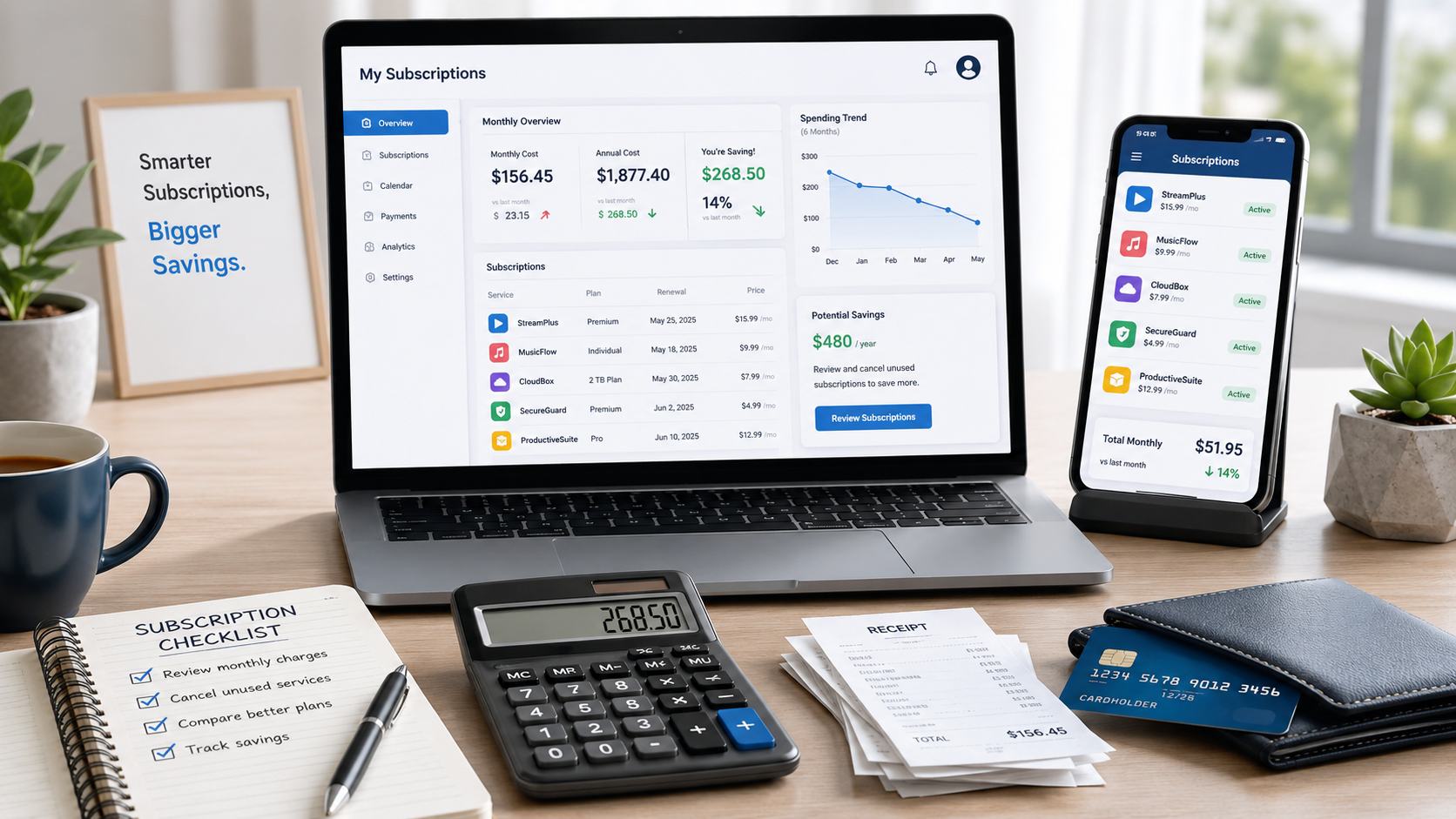
The first step is simple: make a list of every subscription you pay for. Our step-by-step subscription audit shows where to look on each platform.
Check your:
- Bank statement
- PayPal account
- Apple subscriptions
- Google Play subscriptions
- Email receipts
- Credit card statement
- Streaming app accounts
Many people forget about small monthly payments because each one feels harmless. But five small subscriptions can easily become a serious monthly cost.
Create a simple list with:
- Subscription name
- Monthly price
- Annual cost
- How often you use it
- Whether you want to keep it
This makes the problem visible. And once you see the full amount, it becomes much easier to decide what to cut, downgrade, or replace.
2. Cancel Subscriptions You Do Not Use
The easiest way to save money is to cancel subscriptions you barely use.
Ask yourself:
- Did I use this subscription in the last 30 days?
- Would I notice if it disappeared tomorrow?
- Am I keeping it only because I might use it later?
- Is there a cheaper way to get the same benefit?
Many people keep subscriptions because they think they will use them “soon.” That “soon” can quietly cost money for months.
Consider cancelling a subscription you have not used recently, after checking any annual commitment, data export needs and legacy pricing. Rejoining later may be possible, but the same plan, price or stored data may not remain available. For a worked example, see our guide to cancelling Paramount+ on every platform.
3. Switch From Monthly to Annual Billing Carefully
Annual plans can be cheaper than monthly plans, but only when you are sure you will use the service for most of the year.
Annual billing can make sense for:
- VPNs you use every day
- Cloud storage you rely on
- Software you need for work or school
- Music services you use daily
- Streaming services you watch all year
But annual billing is not always smart. If you only watch one show, one sport season, or one event, a monthly plan may be better.
Before choosing annual billing, calculate the full-year cost and compare it with how often you really use the service.
4. Rotate Streaming Subscriptions
One of the best ways to save money on streaming subscriptions is to rotate them instead of keeping everything active at the same time.
For example, instead of paying for Netflix, Disney+, HBO Max, and other services every month, you can keep one or two active and pause the rest.
A simple rotation could look like this:
| Month | Active Services | Goal |
|---|---|---|
| January | Netflix + YouTube Premium | Watch saved shows and avoid ads |
| February | Disney+ + Spotify | Movies, family content, and music |
| March | F1 TV Pro + music service | Sports season and daily music |
This strategy works because most streaming services do not need to be active all year. Watch what you want, cancel, and come back later.
You can compare some of our streaming deal guides here:
5. Compare Family Plans and Multi-User Plans
Family plans can be one of the easiest ways to reduce subscription costs.
Many services offer plans for more than one person. These can reduce the price per user if the plan is used correctly and fits the provider’s rules.
Family or multi-user plans may be useful for:
- Music streaming
- Cloud storage
- Software tools
- Streaming apps
- Productivity subscriptions
Before joining any shared or family plan, check the rules. Some services require users to live in the same household. Others allow broader family access. The details matter.
A cheaper plan is only useful if it is stable, clear, and suitable for how you use the service.
6. Look for Student Discounts
Student discounts can be very strong. Many companies offer lower prices for students, especially for music, software, streaming, and productivity tools.
Check student discounts for:
- Music platforms
- Video streaming services
- Software subscriptions
- Cloud storage
- Design tools
- AI tools
Student discounts often require verification, but they can save a lot of money over a year.
7. Save Money on Software Subscriptions
Software subscriptions can become expensive because many tools now charge monthly or yearly fees.
If you are searching for how to save money on software subscriptions, start by checking whether you really need every paid tool.
Common software subscriptions include:
- Microsoft 365
- Grammarly
- VPNs
- Design tools
- Cloud storage
- Password managers
- Project management tools
To save money on software subscriptions, try this:
- Use free plans when they are enough
- Choose annual billing only for tools you use often
- Cancel tools that overlap
- Check student or team discounts
- Compare partner deal pages
- Use one tool instead of three similar tools
For example, if you pay for several writing, grammar, AI, and productivity tools, check whether one tool can replace another.
You can compare some software and productivity deals here:
8. Save Money on AI Subscriptions
AI subscriptions are becoming more common. Many people now pay for AI chatbots, writing tools, image tools, coding tools, and productivity assistants.
Before paying for an AI subscription, ask:
- Do I use it every week?
- Does the free version already cover my needs?
- Is there a cheaper plan?
- Can I use one AI tool instead of several?
- Is the tool useful for work, study, or business?
AI tools can be worth the money, but they should save you time or help you earn more. If you are only using a paid AI tool once or twice per month, it may not be worth keeping active.
You can compare AI-related subscription guides here:
9. Save Money on Music Subscriptions
Music subscriptions are usually affordable compared with other services, but they still add up over time.
To save money on music subscriptions, check:
- Family plans
- Student plans
- Annual plans
- Partner deals
- Whether you actually need multiple music apps
Most people only need one main music service. Paying for two or three music apps usually does not make sense unless you have a specific reason.
You can compare music subscription options here:
- Spotify Premium cheaper options
- TIDAL plans and ways to save
- Apple Music plans, Family and student prices
10. Save Money on TV and Sports Subscriptions
TV and sports subscriptions can be expensive because many people subscribe for only one sport, one league, or one event.
To save money on TV subscriptions, think seasonally. You may only need a service during the months when your favorite sport or show is active.
For example, Formula 1 fans may only need F1 coverage during the racing season. Football, basketball, tennis, and other sports can also be seasonal.
Before paying, check:
- Does the service show the sport or event you want?
- Can you subscribe only during the season?
- Is monthly billing better than annual billing?
- Is there a cheaper partner route?
- Does the service work in your country?
For Formula 1 fans, you can read our guide here:
11. Use Deal Discovery Sites Carefully
Deal discovery sites can help you find cheaper subscription routes, but you should still check the offer before buying.
SubShave helps users discover and compare subscription deals across streaming, software, AI tools, VPNs, music, and digital services.
Before using any deal, check:
- The current price
- The plan type
- The activation process
- The renewal rules
- The cancellation terms
- Whether support is available
A good deal should be clear. If a page does not explain what you get or how access works, be careful.
12. Avoid Fake Subscription Deals
Not every cheap subscription offer is safe. Some are fake, risky, or unclear.
Watch out for:
- Lifetime access for a service that normally charges monthly
- Hacked accounts
- Stolen accounts
- Prices that seem impossible
- No support information
- No refund or cancellation terms
- Fake countdown timers
- Suspicious payment pages
A real discount should still look professional and explain the deal clearly. If the offer feels strange, skip it.
13. Use a Subscription Budget
A subscription budget helps you control your monthly costs.
For example, you can set a monthly limit like:
- $20 for streaming
- $10 for music
- $15 for software
- $20 for AI tools
- $10 for VPN or privacy tools
Your exact budget depends on your needs. The important part is having a limit. Without a limit, subscriptions can slowly grow in the background.
14. Review Your Subscriptions Every 3 Months
You do not need to check subscriptions every day. But reviewing them every 3 months is a smart habit.
Every 3 months, ask:
- What am I paying for?
- What did I actually use?
- What can I pause?
- What can I downgrade?
- What has a cheaper deal now?
- What should I keep?
This keeps your subscription costs under control without making it a daily obsession.
Best Subscription Categories to Review First
If you do not know where to start, review these categories first:
| Category | Why Review It? | Possible Saving Method |
|---|---|---|
| Streaming | People often keep too many at once | Rotate services monthly |
| Software | Tools often overlap | Cancel duplicate tools |
| AI tools | New tools are easy to add | Keep only the one you use most |
| Music | Family and student plans can help | Use the best plan type |
| VPNs | Longer plans can be cheaper | Compare annual deals |
| Sports | Often seasonal | Subscribe only during the season |
FAQ: How to Save Money on Subscriptions
What is the best way to save money on subscriptions?
The best way to save money on subscriptions is to audit every service you pay for, cancel unused plans, rotate streaming services, compare annual billing, and check current offer pages before paying full price.
How often should I review my subscriptions?
A good rule is to review your subscriptions every 3 months. This helps you cancel unused services and check whether better deals are available.
Is annual billing always cheaper?
Annual billing is often cheaper over a full year, but it only makes sense if you are sure you will use the subscription regularly.
How can I save money on streaming subscriptions?
You can save money on streaming subscriptions by rotating services, canceling after watching specific shows, using family plans where allowed, and checking for cheaper deal routes.
How can I save money on software subscriptions?
To save money on software subscriptions, cancel tools that overlap, use free plans when possible, compare annual billing, and keep only the tools you use often.
Are cheap subscription deals safe?
A low price does not establish that an offer is suitable or permitted. Compare the actual product, account control, eligibility, seller support, total payment and renewal terms before buying.
Should I cancel all my subscriptions?
No. The goal is not to cancel everything. The goal is to keep the subscriptions you actually use and stop paying for the ones that do not give enough value.
Can SubShave help me find cheaper subscriptions?
Yes. SubShave is a deal discovery site that helps users compare cheaper subscription routes for streaming, software, AI tools, VPNs, music, sports, and digital services.
Final Checklist
To save money on subscriptions in 2026, follow this checklist:
- List every subscription you pay for.
- Cancel anything you do not use.
- Compare monthly and annual billing.
- Rotate streaming services.
- Check family or student plans.
- Review software subscriptions for overlap.
- Keep only the AI tools you actually use.
- Use current offer pages.
- Avoid fake lifetime or hacked-account offers.
- Review everything again every 3 months.
Final Verdict
Learning how to save money on subscriptions is one of the easiest ways to reduce monthly expenses in 2026.
You do not need to cancel every service. You just need to be more selective. Keep the subscriptions you use often, cancel the ones you forgot about, and compare cheaper routes before renewing.
Streaming, software, AI tools, VPNs, music, sports, and TV services can all be managed better with a simple subscription review.
Start with the subscriptions you pay for every month, then check whether SubShave has a cheaper guide or deal route before you pay full price again.
Related guides to help you choose
- subscription deals across categories — Compare other subscriptions in your budget.
- streaming deals and bundles — Build a streaming shortlist around your watchlist.
- software subscription deals — Compare the tools you need for work and creative projects.
Related Articles
Other
Find subscriptions across bank cards, Apple, Google Play, PayPal and email. Build a tracker, check renewals and cancel unwanted services safely.

Compare annual and monthly subscriptions using break-even calculations, renewal prices and cancellation terms to choose the right billing option.

Students can cut subscription costs by half or more across music, streaming, and software - and get a surprising amount completely free. Here is every major student discount worth claiming in 2026 and how verification actually works.
Popular on SubShave
Save Money Today
Pay Less for the Subscriptions You Keep
Compare subscription offers for streaming, AI tools, and software. Prices, access arrangements, and availability vary by seller.
Explore All Deals