
How to Cancel ChatGPT Plus on the Web, iPhone and Android (2026)
Some links on SubShave may earn us a commission at no extra cost to you. Affiliate disclosure
At a glance
Step-by-step ChatGPT Plus cancellation for chatgpt.com, iPhone and Android, plus what happens to your access, chats and refunds afterwards.
In this article
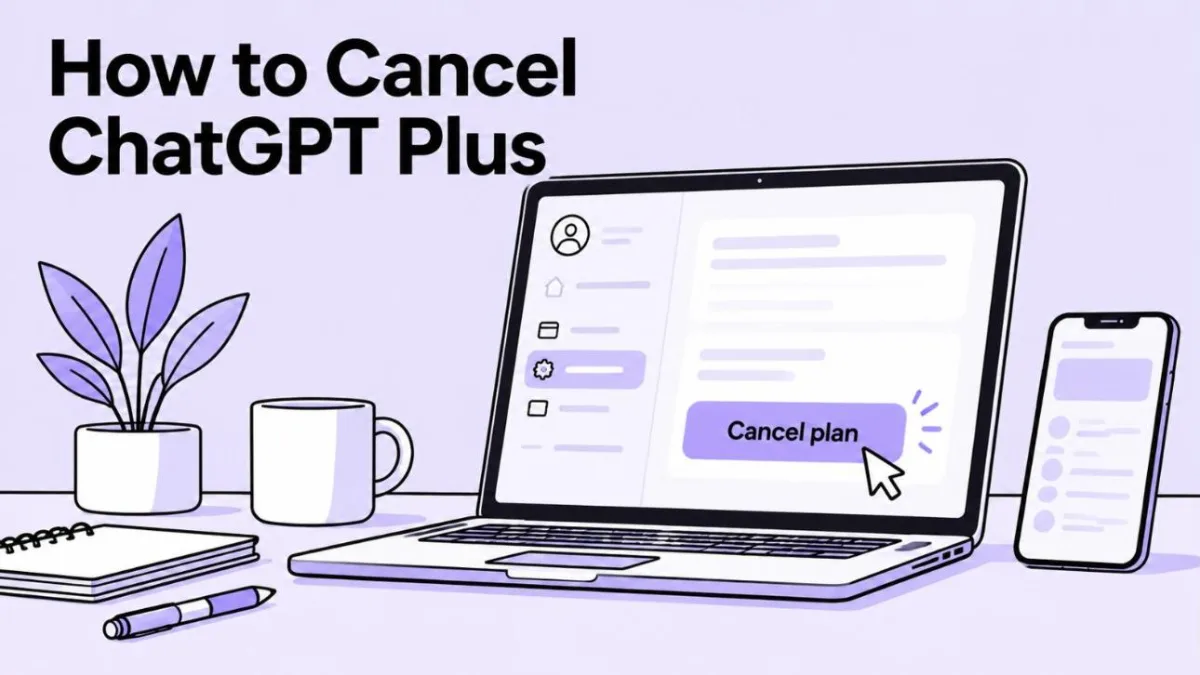
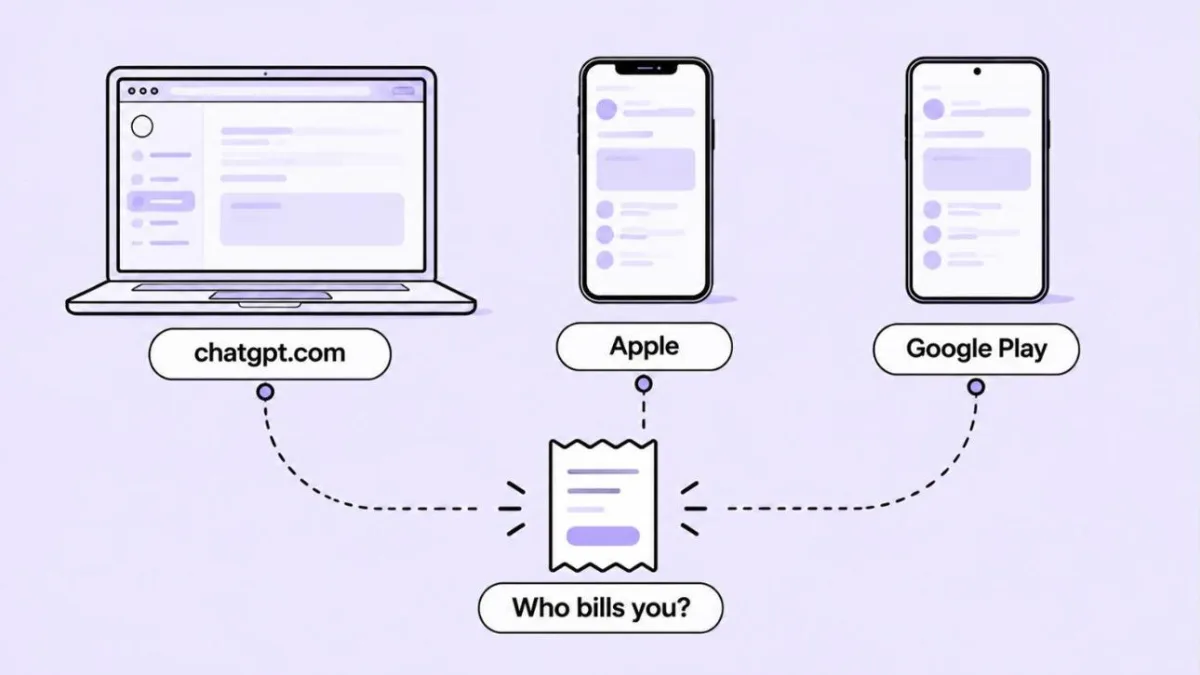
To cancel ChatGPT Plus, cancel where you bought it. If you subscribed on chatgpt.com, go to Settings, then Billing, then Cancel. If you subscribed in the iPhone app, cancel in your Apple subscriptions, and if you subscribed on Android, cancel in Google Play. Deleting the app does not stop the payments.
You keep Plus until the end of the period you have paid for, and cancelling does not refund earlier charges. OpenAI recommends cancelling at least 24 hours before your next billing date. We followed OpenAI's help article, updated in October 2026, and checked it on 24 October 2026.
First, check where you subscribed
| Where you subscribed | Where to cancel | Refund requests go to |
|---|---|---|
| chatgpt.com (web or desktop) | ChatGPT: Settings, Billing | OpenAI Support |
| ChatGPT app on iPhone or iPad | Apple subscriptions | Apple |
| ChatGPT app on Android | Google Play subscriptions | OpenAI Support |
Your purchase receipt shows which one billed you. A subscription bought on chatgpt.com does not appear in your Apple or Google Play subscriptions, and the other way round.
Cancel on chatgpt.com
- Sign in to ChatGPT in a web browser.
- Open your account menu and choose Settings.
- Select Billing.
- Under Cancel plan, select Cancel and confirm.
If the billing controls are missing, OpenAI suggests signing in to the same account in a different browser and trying again.
Cancel on iPhone or iPad
- Open Settings and tap your name.
- Tap Subscriptions, then ChatGPT.
- Tap Cancel Subscription and confirm.
If you only see an expiry date and no cancel button, the subscription is probably already cancelled.
Cancel on Android
- Open the Google Play Store app with the Google account you used to subscribe.
- Open Subscriptions and select ChatGPT.
- Tap Cancel subscription and follow the steps.
You can do the same on the Google Play website: open your subscriptions, select Manage next to ChatGPT, then Cancel subscription.
What happens after you cancel
- Access: Plus features stay available until the end of your current billing period. After that, your account moves to the free plan.
- Your chats: cancelling does not delete your account or your conversations.
- Refunds: cancelling does not refund past charges. Whether you can get a refund depends on how and where you bought it; ask OpenAI Support for chatgpt.com and Google Play purchases, or Apple for App Store purchases.
- Deleting your account cancels a subscription billed by ChatGPT, but not one billed by Apple. Cancel through Apple first.
Can't sign in any more?
If your subscription is billed by ChatGPT and you no longer have access to the email address, contact OpenAI Support. OpenAI asks for the email linked to the account plus two billing details, such as the last four digits of your card, its expiry date, the billing address or the date of the last charge. Never send your full card number.
Before you cancel: is a cheaper plan enough?
If the price is the problem rather than the product, there are steps down. The free plan now includes unlimited everyday text chats, and ChatGPT Go costs $8 a month in the US instead of $20. Our verdict on whether ChatGPT Plus is worth it includes a simple test to decide, and our ChatGPT Plus discount guide lists the official ways to pay less.
Switching assistant instead? Our ChatGPT Plus vs Claude Pro comparison shows what changes, and our free vs paid AI tools guide helps you decide whether to pay for one at all. To check for other forgotten charges, use our subscription audit guide.
ChatGPT cancellation questions
How do I cancel ChatGPT Plus?
On chatgpt.com, open Settings, then Billing, and select Cancel. If you subscribed in the app, cancel in Apple or Google Play instead.
Do I lose Plus immediately when I cancel?
No. You keep the paid features until the end of the current billing period.
Can I get a refund for ChatGPT Plus?
Cancelling does not refund earlier charges. Refund eligibility depends on where you bought it and where you live. Ask OpenAI Support for web and Google Play purchases, or Apple for App Store purchases.
Why can't I find ChatGPT in my Apple subscriptions?
You probably subscribed on chatgpt.com. Web subscriptions are only managed in ChatGPT's own Billing settings.
Does deleting the ChatGPT app cancel my subscription?
No. Uninstalling the app does not cancel anything. Cancel through the platform that bills you.
Where these steps come from
OpenAI's Help Center article on cancelling a ChatGPT subscription, checked on 24 October 2026. Menu names can change slightly; follow the wording on your screen if it differs.
Related articles

Popular on SubShave
- Black Friday Streaming Deals 2026: HBO Max $5.49, Apple TV $6.99 and Every Live OfferStreaming
- Netflix Plans and Subscription Prices in 2026: Costs, Changing Plans and Cheaper OptionsStreaming
- Claude Pro Price in 2026: Cost, Free Trial, Is It Worth It and Cheaper OptionsAI Tools
- iCloud+ Price in 2026: Storage Plans, Costs by Country and Is It Worth It?Software